

Microsoft Power Apps
What is Power Apps? Learn More HERE
Power Apps allow organizations to quickly build and deploy low-code apps that modernize processes and overcome challenges. Reduce your development costs and increase overall efficiency with tools that turn beginners into app builders. Connect Power Apps across the Microsoft Power Platform, Microsoft 365, Dynamics 365, Azure, and more.

An app for every business need
Inventory Management
Human Resources
Project Management
Expense Reporting
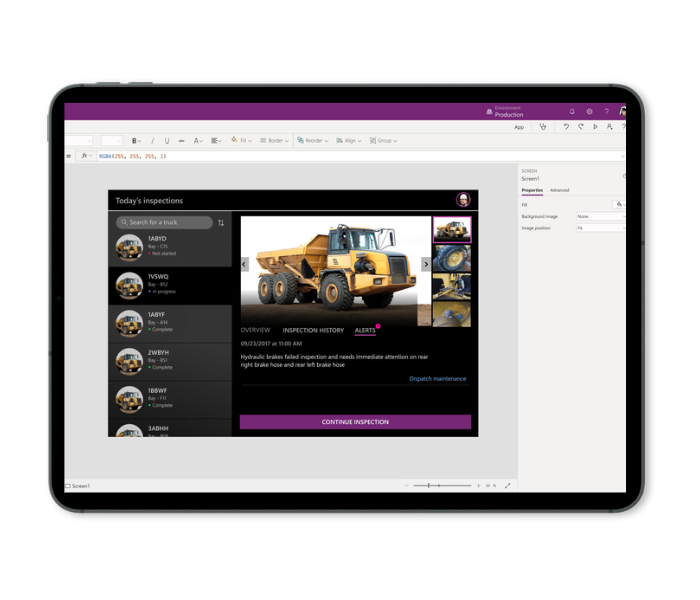
No coding experience? No problem.
With Power Apps, anyone on your team can build useful applications. Prebuilt templates, an AI copilot, drag-and-drop simplicity, and quick deployment options give everyone the power to create the professional-grade apps they need.
Download our One-Pager!
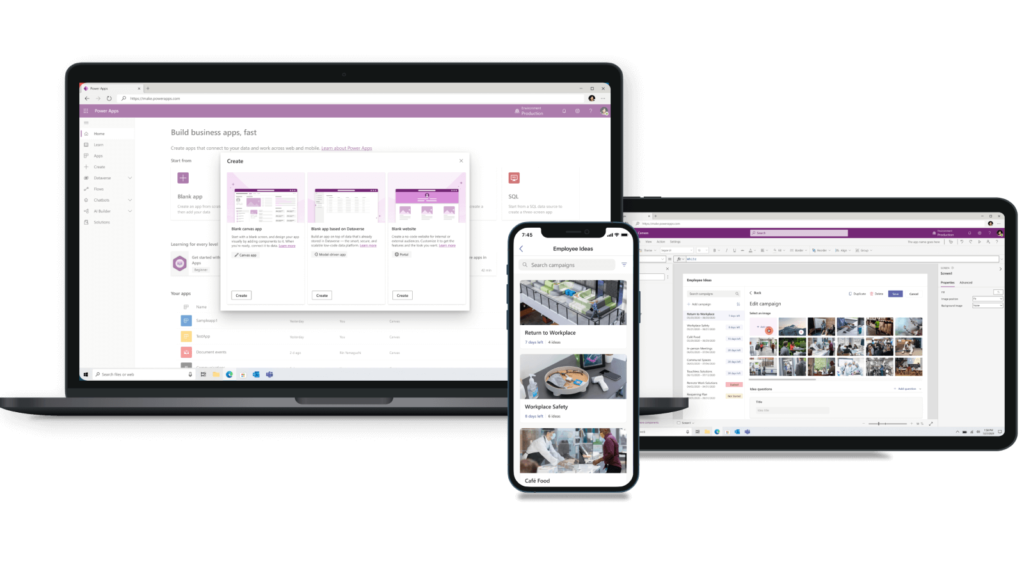
Share apps on any device
Link all your data
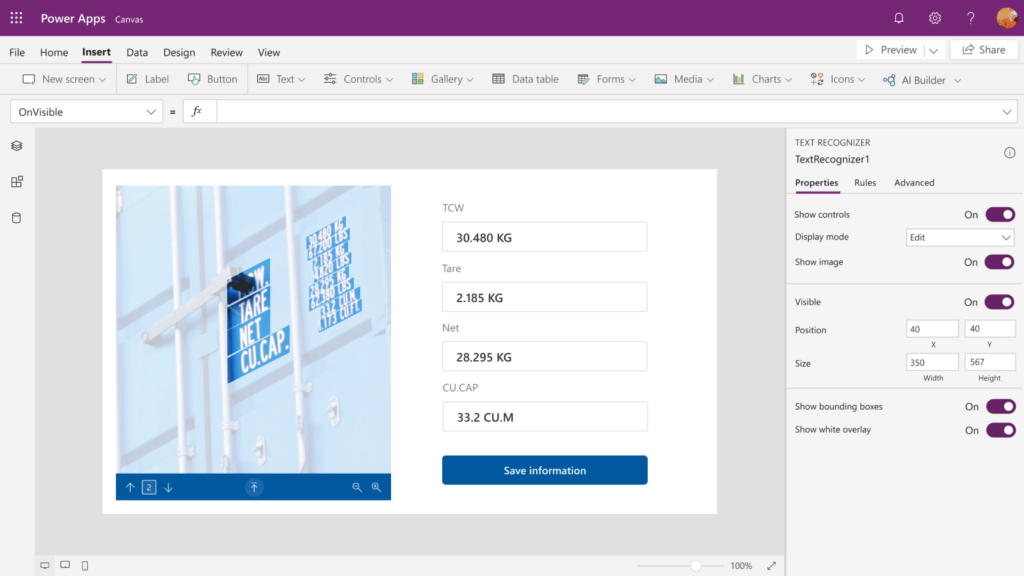
Automate with AI
Drive real results with less code
See how Microsoft Power Apps drives business value, developer efficiency, and end-user productivity.
50%
reduction in app development time with Power Apps
206%
ROI on premium Power Apps over 3 years
<6
months payback time
Watch to learn more about Power Apps
If you feel lost, the official Microsoft Overview of Power Apps is a great place to start:
See Our YouTube Channel for Use Cases
You can find several Power Apps Tutorials on our YouTube Channel, Some Guy Named Chris, as well as use cases and other helpful information regarding other Power Platform Applications: